Watch a site
Paste a URL and get uptime checks, a public status page and alerts. Nothing to install.
Set it up
1
Paste your URL
Type it on upcontrol.io and pressCheck. No account needed.2
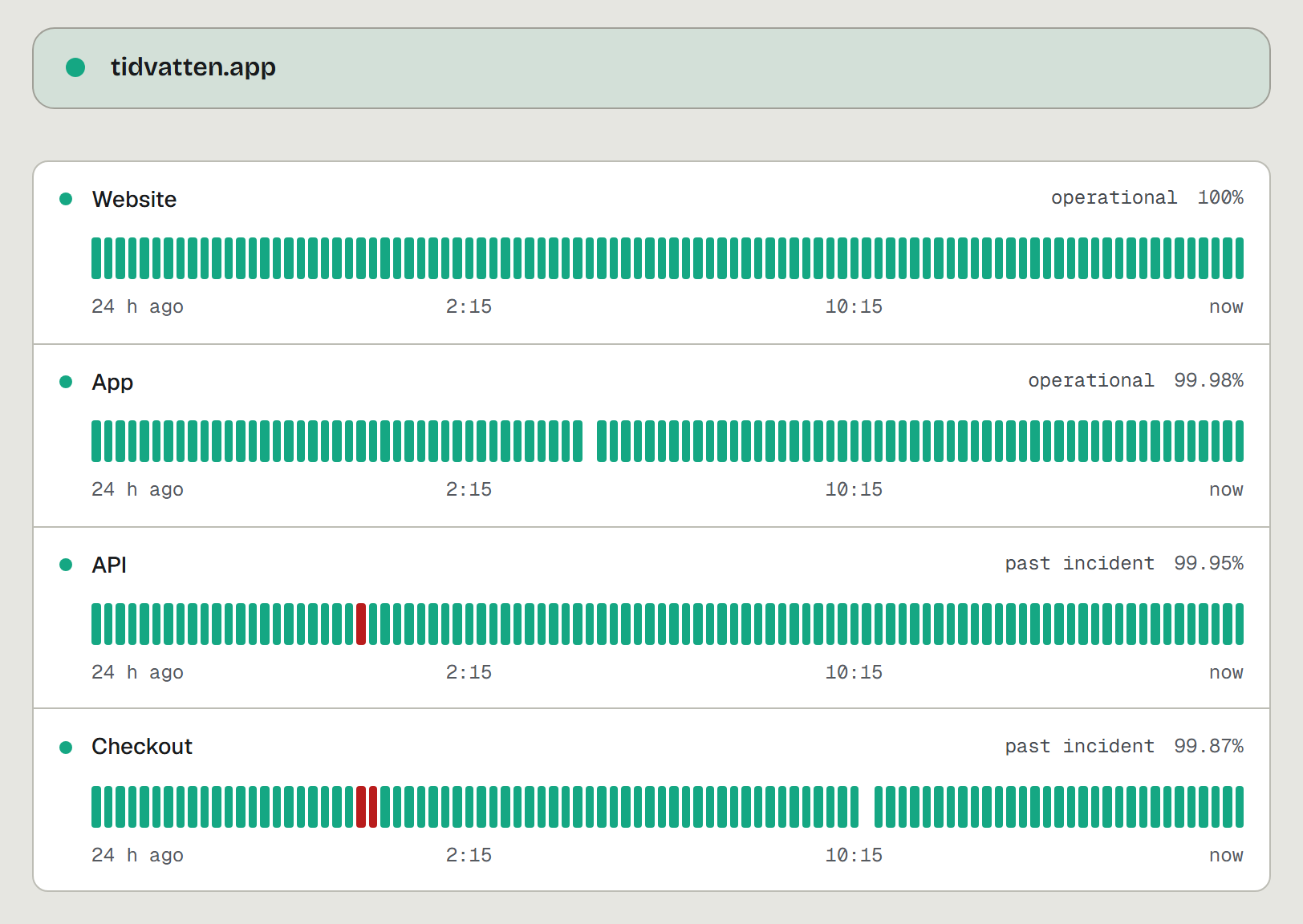
See its status page
It opens at/status/<your-site>: the page your site already has, as it is, or a new one with one check, the site itself. A site that does not answer gets a diagnostic instead, and nothing is created.3
Claim it
PressGet alerts or Add a check on that page and sign in with email or Google. Until you do, nobody gets alerted.4
Add more checks
In the app, open Status page and add a check for each page you care about, like/checkout or /api.5
Add who should hear
In Alerts, connect Telegram, email, Slack or Discord. Every row hasSend test.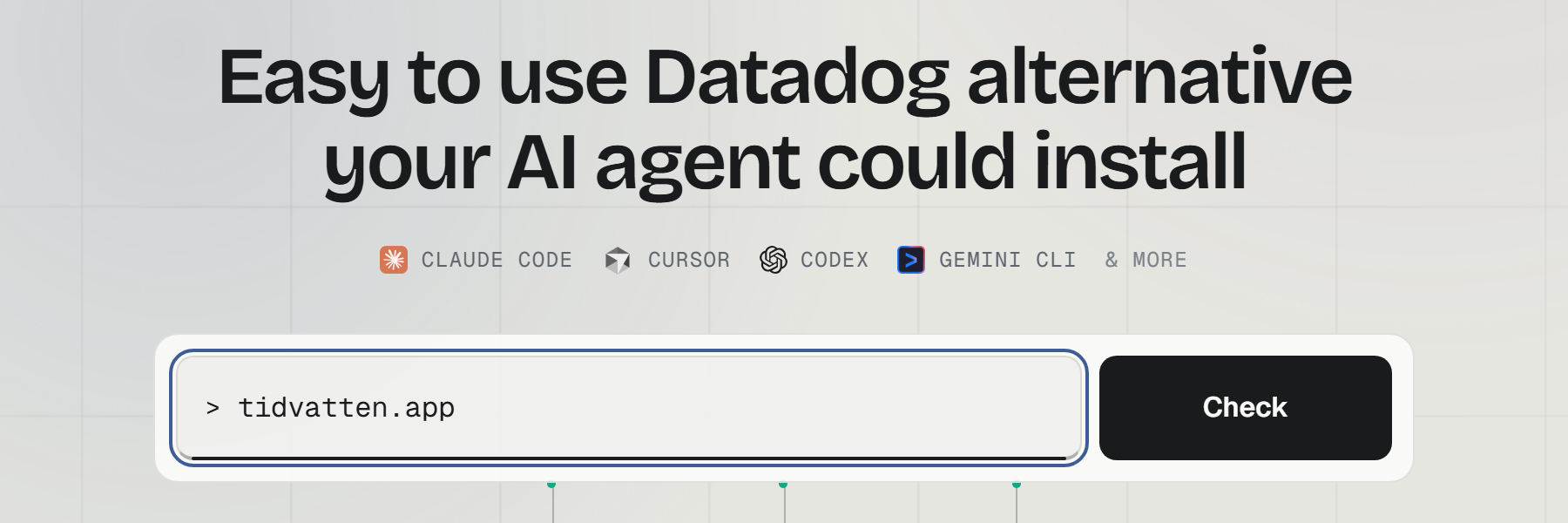
Checks
- Two kinds: Website and Heartbeat.
- A website check takes a URL, an optional
Page must containtext, and an interval: 1m, 5m, 30m or 1h. Free checks every 5 minutes at most; paid plans every minute. - SSL and domain expiry are tracked on every website check.
- A website incident opens after 3 failed checks in a row and closes on the first success.
- Your status page lives at
/status/<slug>. Paid plans can put it on your own subdomain with a CNAME.
Watch a background job
- In the app, open Status page, add a check, pick
Heartbeatand how often the job runs: every 5 or 30 minutes, hourly, every 6 hours or daily. - Copy the ping URL from its row.
- Call it as the last line of the job, after the work succeeded:
curl -fsS -m 10 "$UPCONTROL_PING_URL"
Heartbeats are free and don't count toward your checks. If a ping doesn't arrive within its interval plus a grace period (the interval itself, up to an hour), an incident opens.