What a heartbeat check is, and why silence is the alert
01The short answer#
A heartbeat flips monitoring around. Instead of the monitor calling your job, your job calls the monitor every time it finishes. If the call doesn't arrive on time, the silence is the alert.
It exists because background work fails quietly. A crashed web server throws errors; a job that never started throws nothing at all. No error, no log line, and nobody notices until the invoices didn't go out.
02How to set one up#
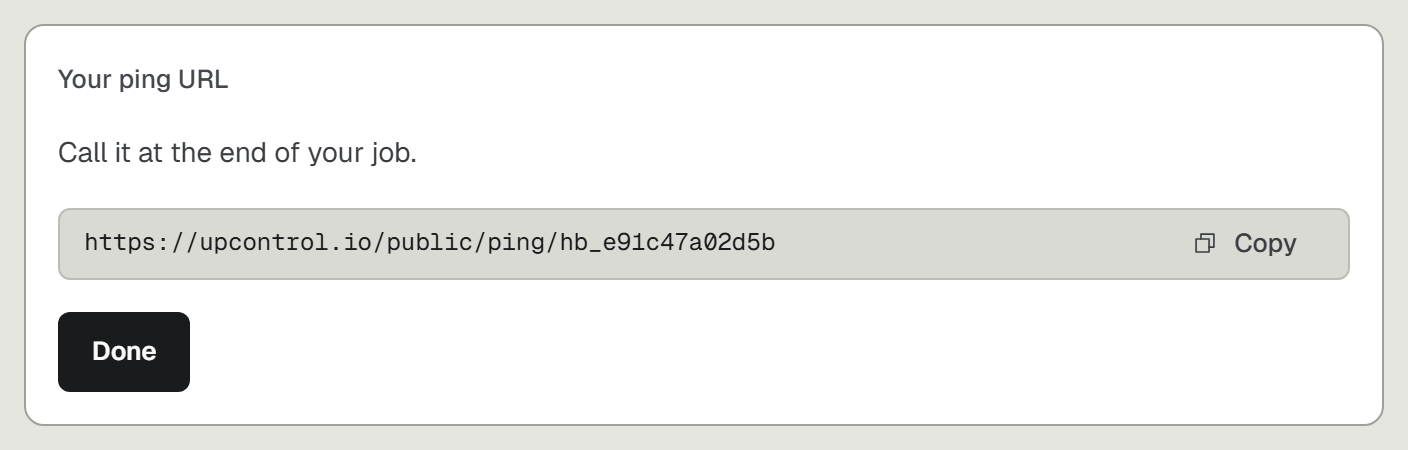
- Create a heartbeat check and copy its ping URL.
- Call that URL as the last step of the job, only after the work succeeded.
- Set how often the ping should arrive, matching how often the job runs.
Put the ping after the part that matters. A backup job that uploads nothing and still pings is worse than no check at all, because it tells you everything is fine.
03Heartbeats in UpControl#
In UpControl a heartbeat is one line at the end of your job: curl the ping URL. Pick every 5 or 30 minutes, hourly, every 6 hours or daily, so a nightly backup is covered too. If a ping doesn't arrive in time, an incident opens and goes to the same Telegram, Slack, Discord or email as your site alerts.
Heartbeats are free and never count toward your plan's checks, so you can watch every worker you run. Your sites and your jobs land on one incident list, in one tool.