502 Bad Gateway in nginx: what it means and how to fix it
3 min read · published 2026-10-13
What the error means
A 502 from nginx says: I am up, I passed the request to your app, and what came back was nothing or nonsense. The problem is almost always behind nginx: the app process, its port or its socket. A visitor cannot fix it. If the app had answered too slowly instead, you would see a 504.
Read the error log first
Run sudo tail -n 50 /var/log/nginx/error.log and find the line with upstream in it. It names the cause.
| The log line contains | Cause | Fix |
|---|---|---|
connect() failed (111: Connection refused) | The app is not running, or it listens on another port | Start the app. Compare the port in proxy_pass with the one the app binds |
failed (2: No such file or directory) | nginx and the app name different socket paths, or the app never created the socket | Use one socket path in both configs, then restart the app |
failed (13: Permission denied) | nginx may not open the socket, or SELinux blocks the connection | Give the nginx user access to the socket. On SELinux: setsebool -P httpd_can_network_connect 1 |
upstream prematurely closed connection | The app crashed or was killed in the middle of the request | Read the app's own log. Check for the out-of-memory killer: dmesg -T | grep -i oom |
upstream sent too big header | The response headers, usually cookies, are larger than the buffer | Raise proxy_buffer_size, or fastcgi_buffer_size for PHP |
no live upstreams | Every server in the upstream block has failed | Fix the backends. The lines above this one say why each of them failed |
If the log is not clear, check in this order
- Is the app alive?
systemctl status your-app, ordocker ps. If it restarted a minute ago, its own log has the reason. - Does it answer locally? On the server run
curl -I http://127.0.0.1:3000with your app's port. No answer means the app is the problem and nginx is only the messenger. - Does nginx point at it? The address in
proxy_passorfastcgi_passhas to match what the app listens on, character for character. - After any config change:
sudo nginx -t && sudo systemctl reload nginx.
Find out before a customer does
A 502 that lasts two minutes at 3 a.m. leaves no trace unless something outside was watching. An outside check is that something.
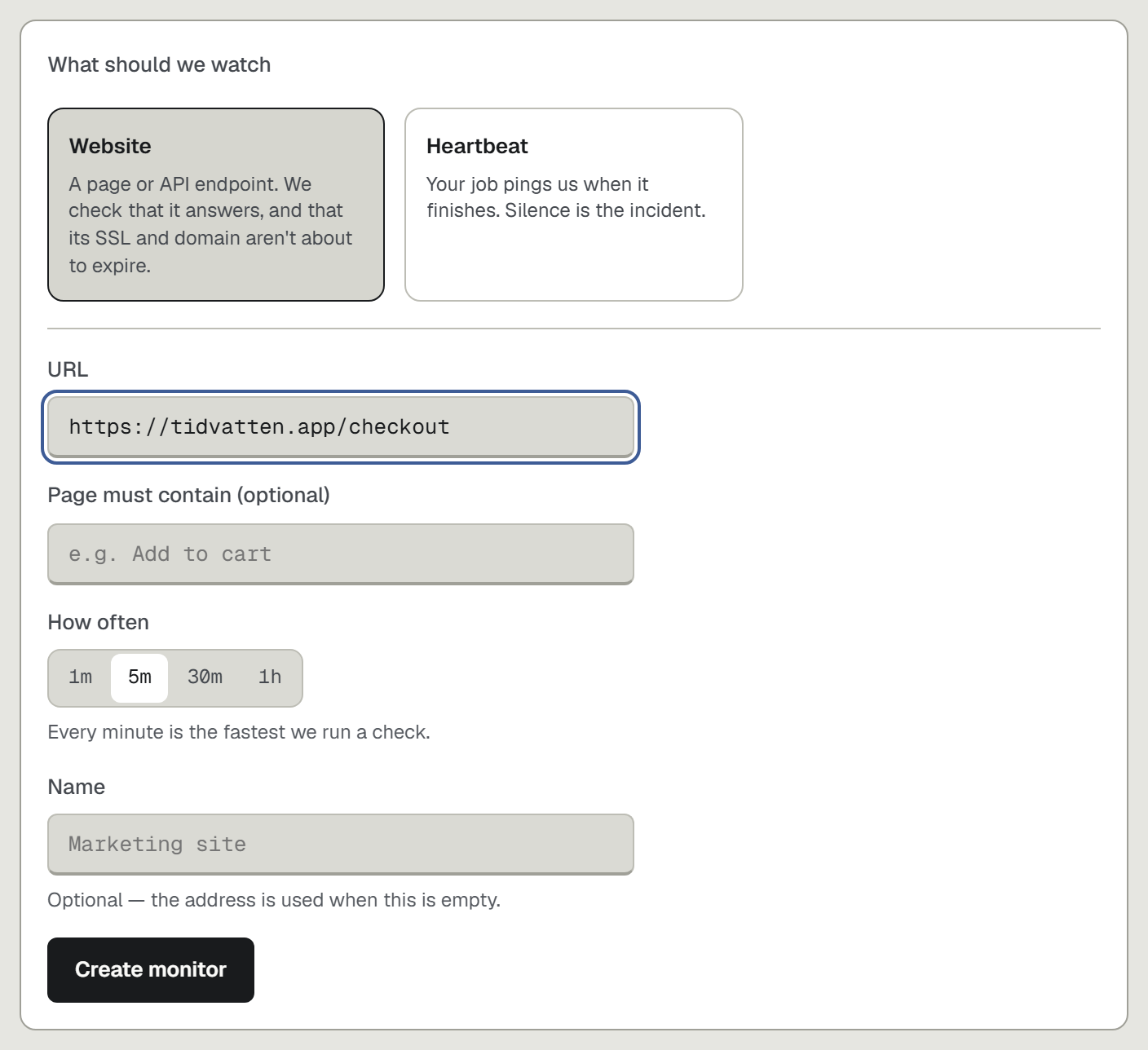
- Open upcontrol.io, type your domain, and add a check for the URL that matters most, for example the checkout page.
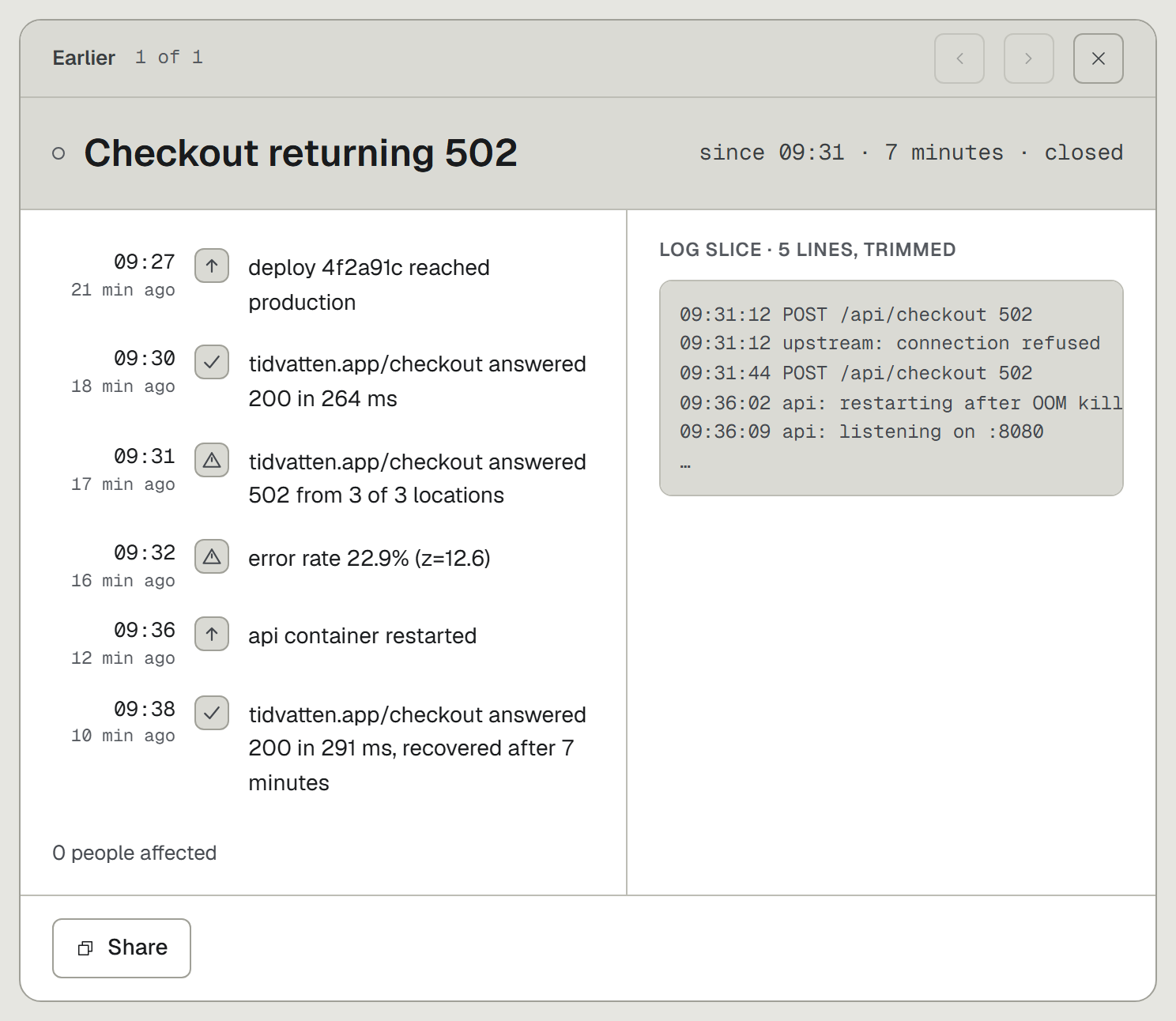
- After three failed checks in a row an incident opens, titled with the cause, such as "Checkout returning 502". The alert goes to Telegram, Slack, Discord or email.
- Run
npx upcontrolin your repo and let your coding agent wire the logs. The incident page then carries the app's log lines and the deploy around the failure, which is usually the answer to why.