Vibe coding best practices: six things to add before real users arrive
2 min read · published 2026-10-13
The gap an agent leaves
An agent writes what you ask for, and nobody asks for the boring parts. So a vibe-coded app usually works and has no way to tell you when it stops working for someone else. Each item below is one prompt you can paste.
Six prompts worth sending
- A health check
- "Add a /health route that runs one trivial database query and returns 200, or 503 if the query fails." Now something outside can ask whether the app is really up.
- Logs you can read
- "Log every request with a level, a request id and the duration. Never log passwords, tokens or card data." When a user says it broke, you can find their request.
- Errors that reach you
- "Catch unhandled errors in one place, log them with the stack and the request id, and show a plain error page." The alternative is learning about bugs from reviews.
- Events for the steps that matter
- "Track signup, first real use and payment as named events." Three events are enough to see where people leave.
- Secrets out of the code
- "Move every key to environment variables, add .env to .gitignore, and rate limit the sign-in and signup routes." Agents will paste a key into a source file without blinking, so read the diff.
- A way back
- "Commit after every working change with a message that says what changed." When the next prompt breaks something, you can return to the last good state.
Let the same agent wire the monitoring
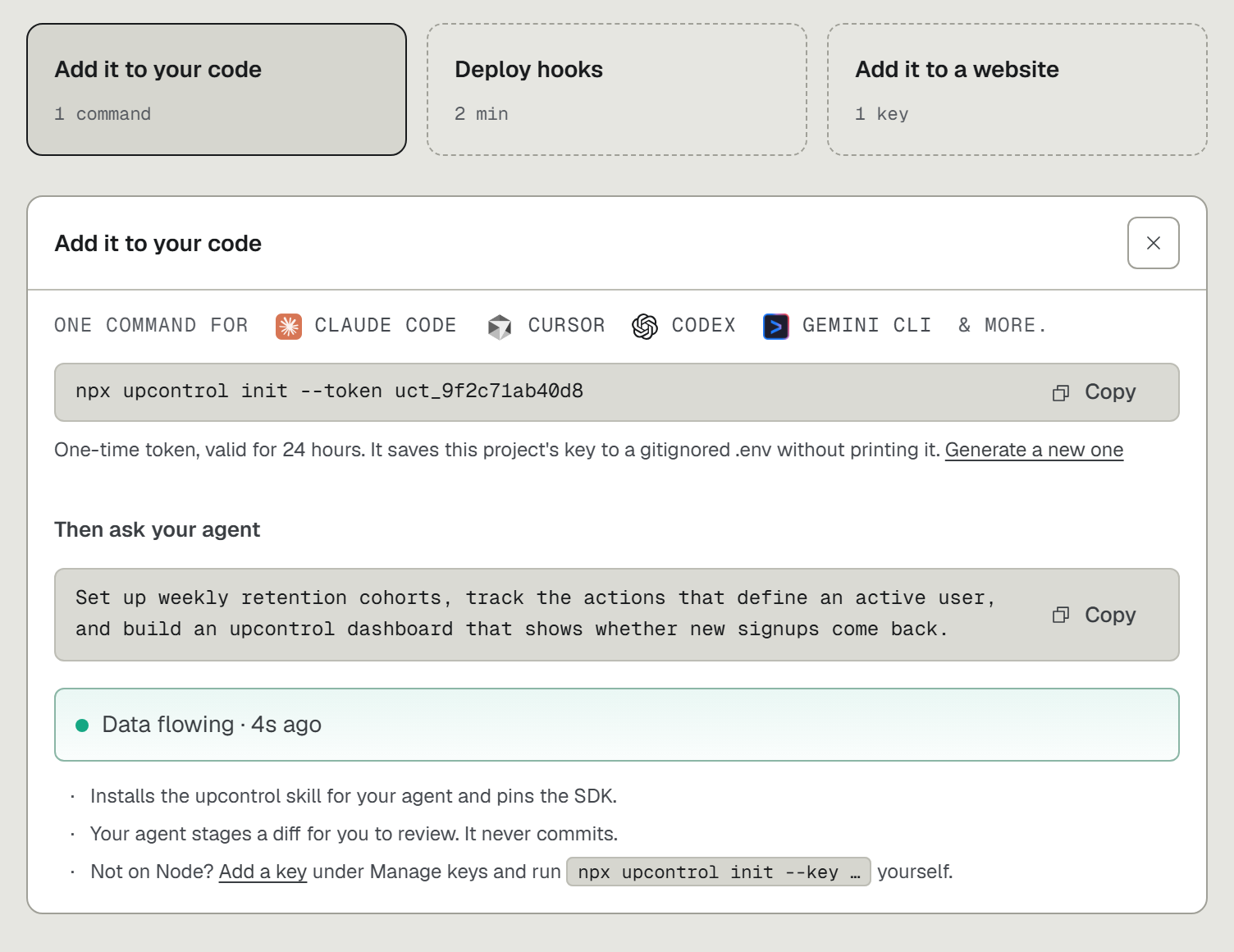
- Run
npx upcontrolin the repo. It hands the setup to the agent you already use: Claude Code, Cursor, Codex, Gemini CLI, Copilot, Windsurf, Amp, Aider, Cline or opencode. - Ask in plain words, for example "track my users from first visit to purchase". The funnel appears on your dashboard, with no tracking code written by hand.
- Open upcontrol.io and type your domain. That gives you an outside check and a public status page, free.
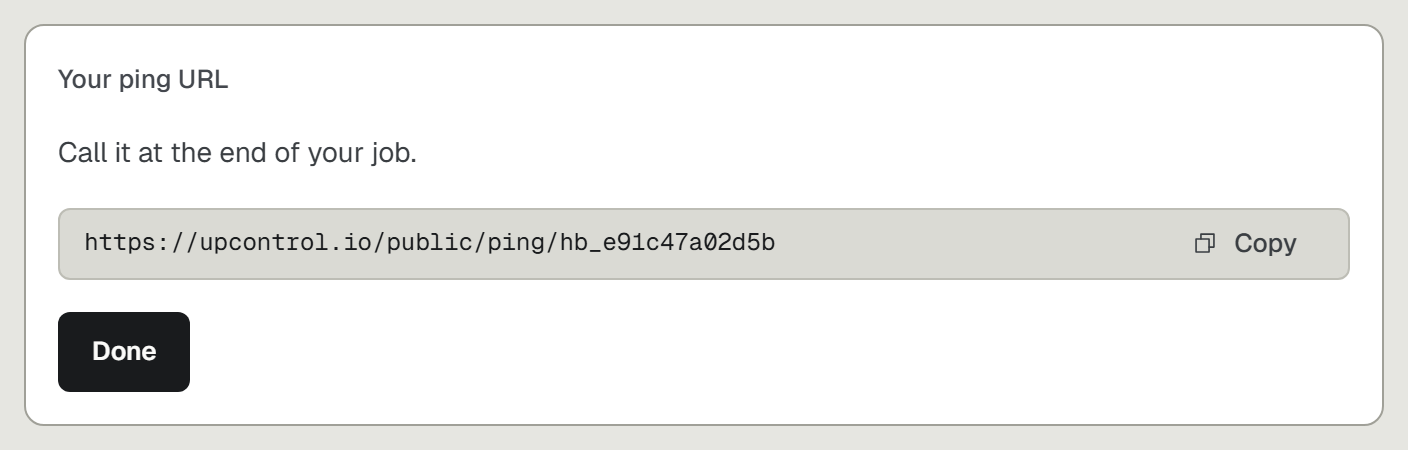
- Point a check at the /health route from the first prompt, and add a heartbeat for each scheduled job. Heartbeats are free and do not count toward your checks.