Open source status page: four to self-host, and the one mistake to avoid
2 min read · published 2026-10-13
The one rule
A status page has one job: to be reachable when your product is not. If it runs on the same server, it goes down in the same minute and tells nobody anything. Whatever you pick below, host the page somewhere else, or have something outside watch it.
Four open source options
| Project | What it is | Good at |
|---|---|---|
| Uptime Kuma | A self-hosted monitor with status pages built in | Many check types and a friendly interface |
| Cachet | A status page application | Incidents you write and publish by hand |
| Upptime | A status page that runs on GitHub Actions and GitHub Pages | No server to maintain |
| UpControl | Checks, a status page, logs and product events in one app, AGPL-3.0 | Showing why something broke, next to the fact that it did |
The difference between them is what else you get around the page. Pick by that.
Self-host UpControl
- You need Docker with Compose v2, 1 GB of RAM and 10 GB of disk.
- Run
git clone https://github.com/upcontrol-io/upcontrol, thencd upcontrol/infraand./install.sh. - The installer asks four questions (internet-facing, domain, SMTP, Telegram), writes
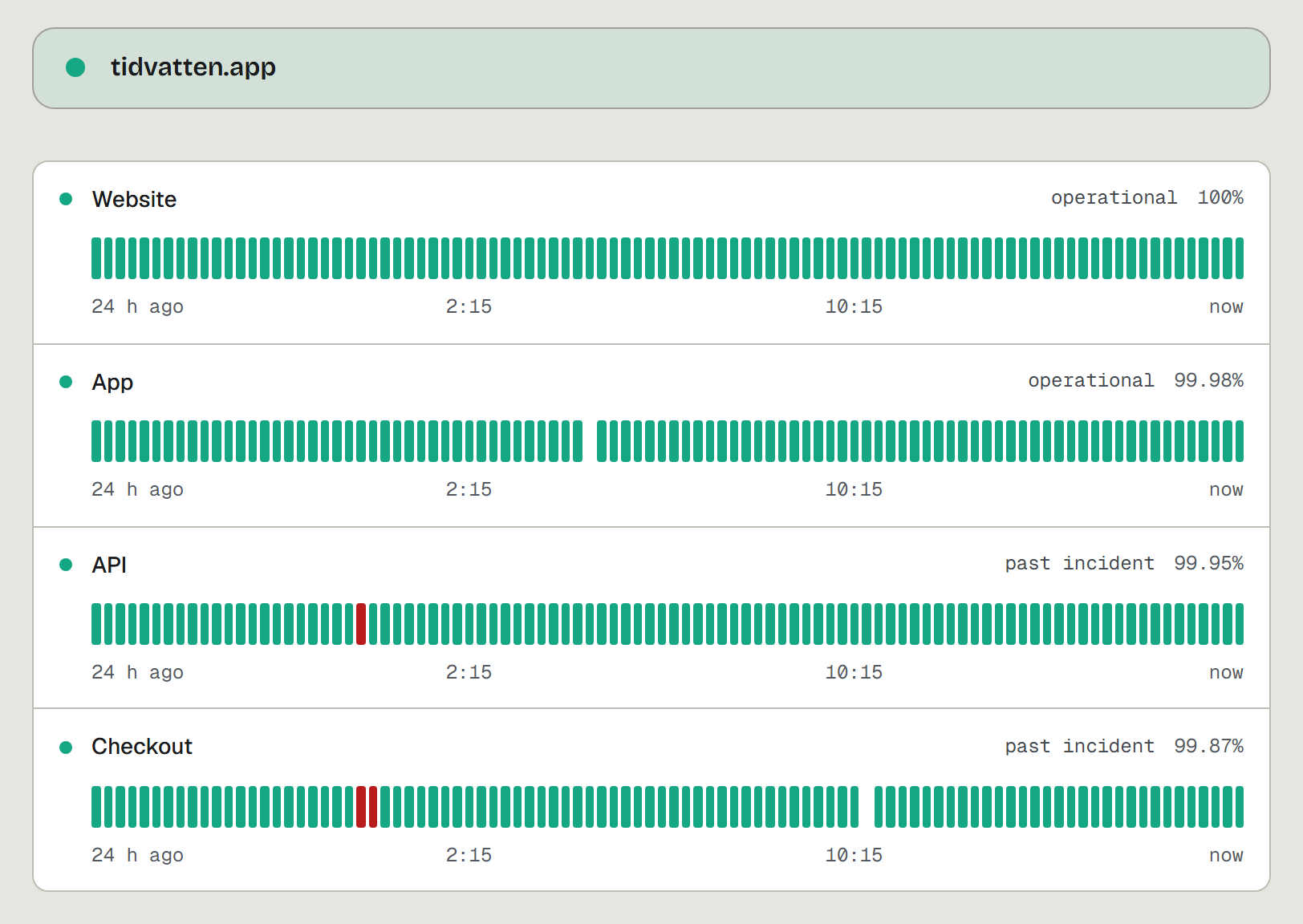
.env, pulls the images and waits until the app is healthy. - Add website checks and heartbeats in the app. Each project gets a public status page with components, incidents and uptime history.