Pingdom alternative: uptime that explains itself, with a free tier
4 min read · published 2026-09-14
The pitch
Pingdom is one of the oldest names in uptime monitoring, and plenty of teams hold a subscription that started years ago and has renewed ever since. This post is for two readers: the one watching that bill and wondering what the money buys beyond an email when the site is down, and the one who went looking for a free tier, found Pingdom no longer has one, and needs a way to watch a small project without paying monthly. UpControl is a monitoring tool where checks, application logs and product events land in one place, the public status page costs nothing, and the wiring for the logs and events is done by the coding agent you already use.
| Pingdom (as of 2026-09) | UpControl | |
|---|---|---|
| Free tier | no | 3 checks every 5 minutes, status page |
| Paid from | around $15/month billed annually | $9/month annual ($11 monthly) |
| Checks on free | none, no free tier | 3 website checks per workspace; heartbeats free |
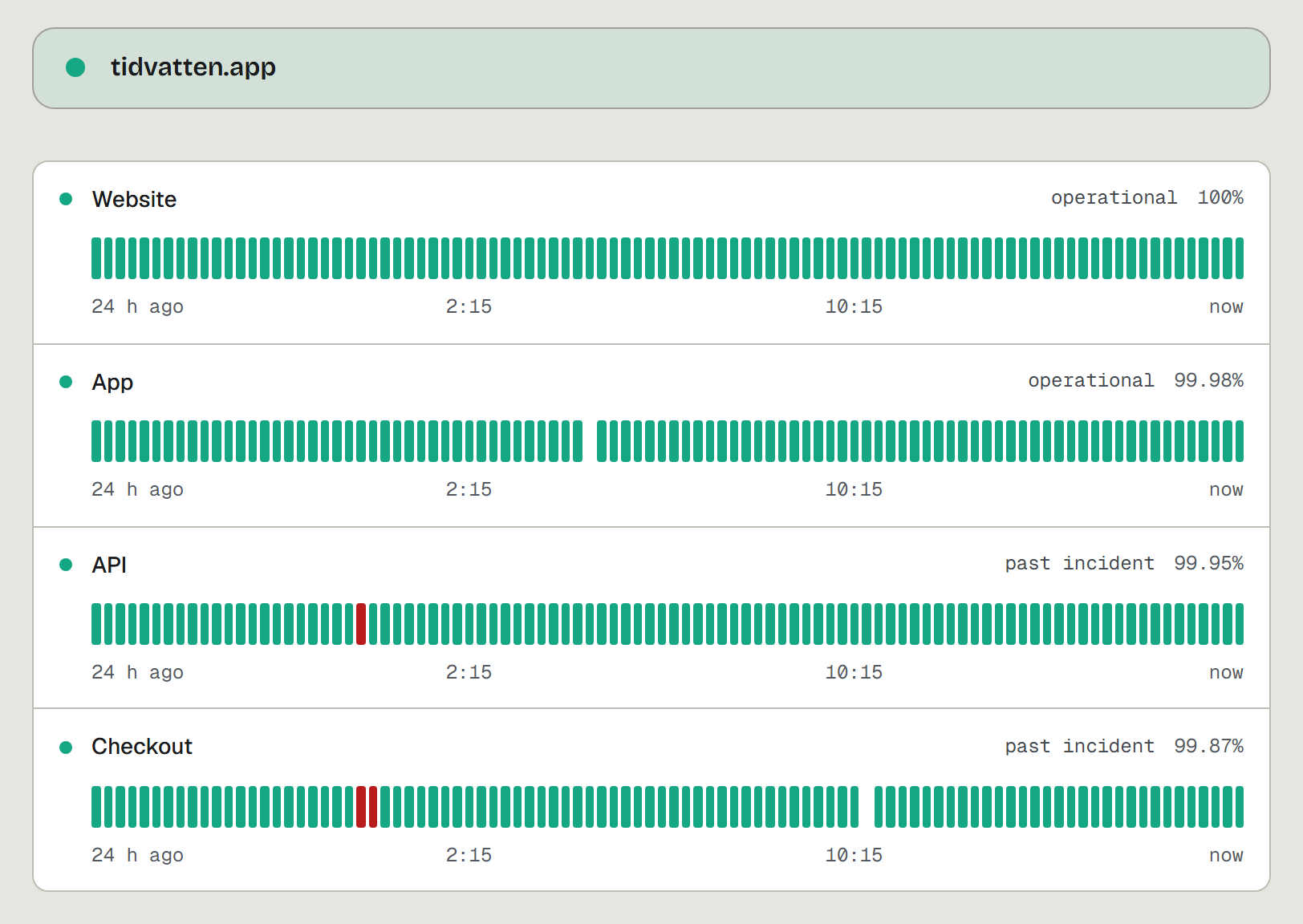
| Status page | yes, included | free, one click on the landing, claimable |
| Logs and product events | no, RUM sold as a separate product | yes, ingest endpoint plus SDK, agent wired |
| Agent wiring | no | yes, npx upcontrol works with 10 coding agents |
| Self-hosting | no | yes, AGPL-3.0, one compose file |
Where UpControl is better
- The "why", not just "down". Pingdom emails you that the site is down. UpControl correlates checks with application logs and product events, so the incident page carries the log lines around the failure and the deploy that shipped just before it. When a customer asks what happened, you have an answer, not a timestamp.
- A free tier that exists. Three checks every 5 minutes, free heartbeats, a public status page with uptime history, logs and product events, no card, no trial timer. It is enough to watch a side project properly, and enough to run us next to Pingdom before any decision.
- Your coding agent does the wiring. Run npx upcontrol and Claude Code, Cursor, Codex, Gemini CLI, Copilot, Windsurf, Amp, Aider, Cline or opencode gets the instructions. Tell it "track my users from first visit to purchase" and the funnel appears on your dashboard. No tracking code written by hand. Pingdom's wiring is a human with docs and an API key.
- Product events with people in them. Funnels, retention grids, breakdowns and A/B tests built from events your app sends, with your users as the actors. Pingdom watches servers and pages; if you want to know what people did before the checkout broke, that is a separate purchase (RUM) or a different tool.
- Self-host the same product. The full core is AGPL-3.0 and runs from one compose file on a 1GB RAM box, with zero telemetry in the OSS build. The hosted service is the same code and the same CLI. Pingdom is closed and hosted only.
Where Pingdom is better
- Transaction monitoring. Scripted browser journeys that click through a checkout flow on a schedule and tell you which step failed. We do not have that today.
- Real user monitoring as its own product. Dedicated RUM dashboards for visitor performance. If you already buy RUM, that is capability we do not match.
- Check locations you pick per monitor. Pingdom checks from named regions worldwide and lets you choose them per test. We check from the fleet's own regions and store the dns, tcp, tls and wait phases per check, but we do not advertise city selection.
- Track record. Running since 2007, now under SolarWinds, with an integrations catalog and support org built over years. We are a younger product and our catalog is shorter.
If scripted transactions are load-bearing for you, stay. The rest of this is a price and wiring conversation.
Switching from Pingdom in five minutes
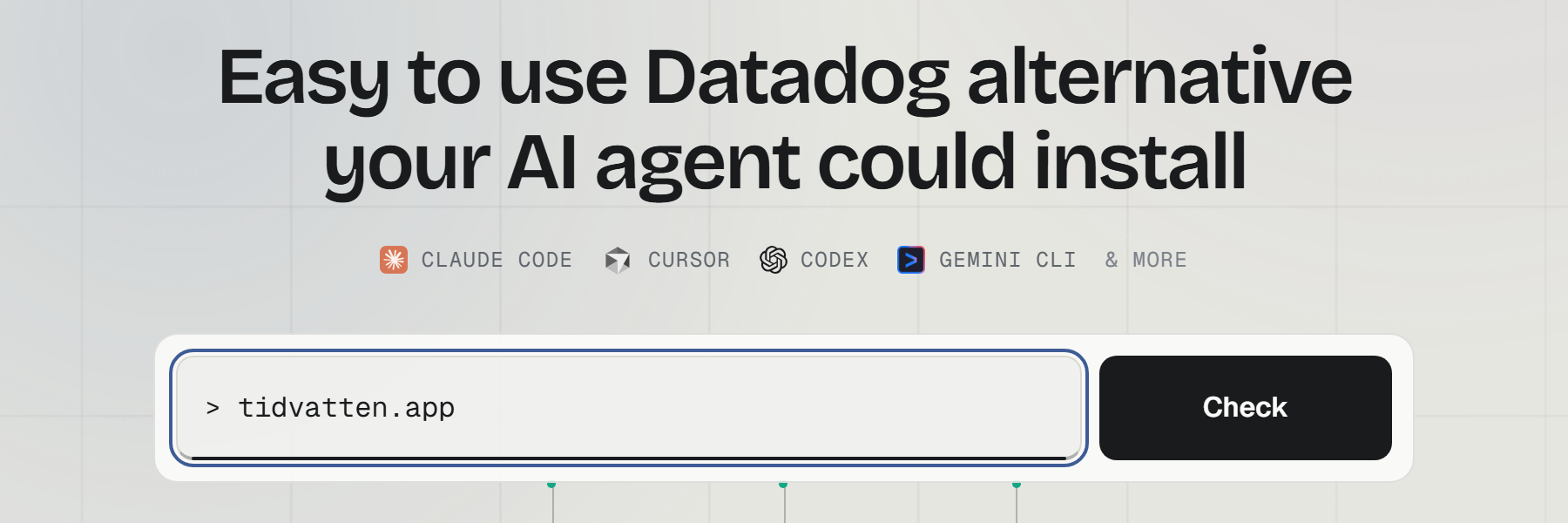
- Open upcontrol.io and type your domain. A public status page exists from that moment.
- Claim the page from its link to move it into your account.
- Add checks for the pages and APIs you care about, pick Telegram or email alerts. For cron jobs and background workers, a heartbeat: a private URL the job pings, and a miss opens an incident.
- Optional, for the "why": run npx upcontrol in your repo and tell your agent what to log and which events to track.