Cronitor alternative: heartbeats, uptime checks and the logs around the failure
4 min read · published 2026-09-18
The pitch
You have cron jobs and background workers, Cronitor watches them, and when a run is missed you hear about it. It is a solid tool for that job and has been at it for about a decade. This post is for the team that also wants the rest of the picture without buying two tools: UpControl watches your sites and your background jobs, and on the same incident page it shows the log lines and the deploy that surrounded the failure. A coding agent does the wiring with one npx command.
| Cronitor (as of 2026-09) | UpControl | |
|---|---|---|
| Free tier | 5 monitors | 3 checks every 5 minutes, status page, logs and events |
| Paid from | paid tiers add more monitors and alert options | $9/month annual ($11 monthly) |
| Checks on free | 5 monitors, counted across job and uptime monitors | 3 website checks per workspace; heartbeats free and uncounted |
| Status page | yes, on paid tiers | free, one click on the landing, claimable |
| Logs and product events | no | yes, ingest endpoint plus SDK, agent wired |
| Agent wiring | no | yes, npx upcontrol works with 10 coding agents |
| Self-hosting | no | yes, AGPL-3.0, one compose file |
Where UpControl is better
- The "why", not just "down". Cronitor tells you the import job did not phone home. UpControl correlates checks with application logs and product events, so the incident page carries what the job logged before it died and which deploy went out ahead of it. The alert names the run that failed; the page explains the run.
- Uptime and heartbeats in one tool, and heartbeats are free. HTTP checks (every minute on paid plans), SSL and domain expiry, and heartbeats that never count toward your checks. One product watches the site the cron job writes to and the job itself, and both land in the same timeline.
- Your coding agent does the wiring. Run
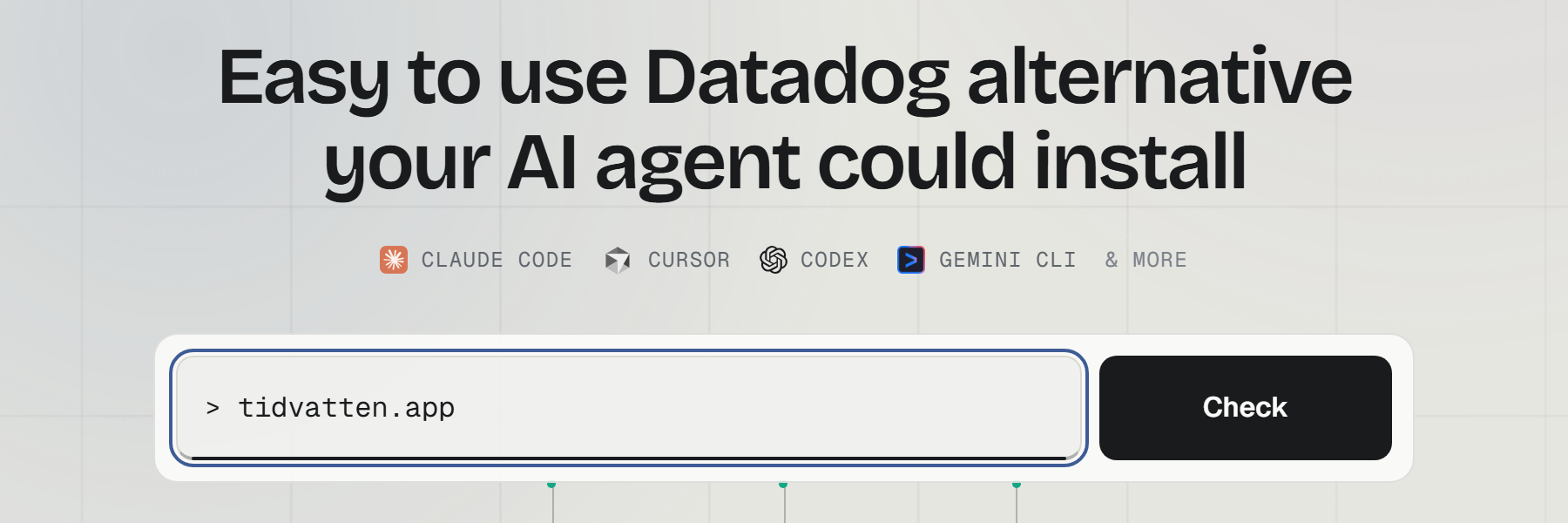
npx upcontroland the coding agent you already use (Claude Code, Cursor, Codex, Gemini CLI, Copilot, Windsurf, Amp, Aider, Cline or opencode) wires up logging and events. Ask it to watch the billing worker and log its runs, and the heartbeat plus the log line arrive together. No tracking code written by hand. - A status page from the first minute, free. Type a domain on the landing page and a public status page for that host exists, with components, incidents and uptime history. The owner claims it with one click. On Cronitor the status page sits behind a paid tier.
- Self-host the same product. The full core is AGPL-3.0, runs from one compose file on a GB-class box, and the OSS build sends no telemetry home. The hosted service is the same code and the same CLI.
Where Cronitor is better
- Cron-job depth. A monitor can encode the schedule itself, so it catches a job that runs too long or fires twice, beyond the plain miss. Our heartbeat catches a job that stops pinging; the schedule intelligence is theirs.
- Ten years of alert plumbing. SMS, phone calls, PagerDuty, Slack, years of integrations. We alert on Telegram, Slack, Discord and email today.
- Import and timezones. Point it at a crontab and the monitors create themselves, each aware of its timezone and grace period. Ours is one heartbeat URL per job, created by hand or by your agent.
- Weekly and monthly jobs. Our heartbeats go up to once a day; a job that runs once a week is still better watched there.
Be honest about which list matters for the jobs that pay your bills.
Switching from Cronitor in five minutes
- Open upcontrol.io and type your domain. The public status page exists from that moment.
- Claim the page from its link to move it into your account.
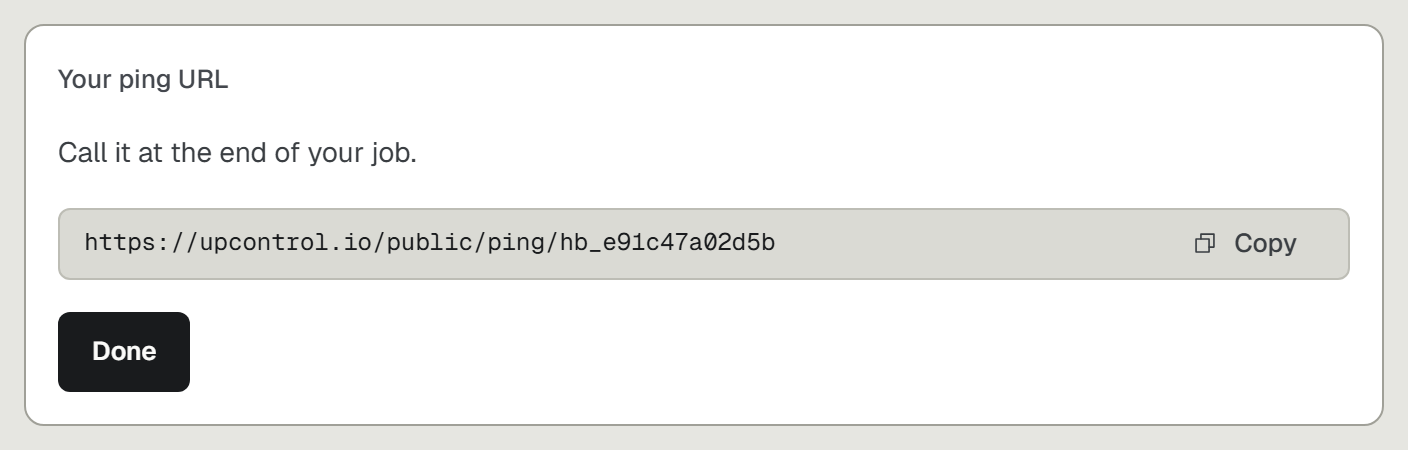
- Add a heartbeat for each cron job and worker: a private URL the job pings, where a miss opens an incident. Add HTTP checks for the pages the jobs serve.
- Pick Telegram, Slack, Discord or email alerts.
- Optional, for the "why": run
npx upcontrolin your repo and tell your agent what to log and which events to track.