SSL certificate monitoring: what to watch, and what usually breaks
3 min read · published 2026-10-15
Why renewals fail when the site is fine
A certificate that expires does not make the site slow or flaky. It makes every browser draw a full-page warning and refuse to load it, which is a worse first impression than an outage, because the site is up and the visitor still cannot get in. The fix is a check that watches the expiry date from outside and speaks before the date passes.
Renewal is automatic until the one night it is not. The failures are boring and repeat across stacks:
- The renewal job stopped: the timer or cron that renews died months ago, and the old cert was long enough that nobody noticed.
- The renewal succeeded but the reload did not: the new cert sits on disk while the server still serves the old one. The fix is a reload hook that actually runs.
- The challenge failed: a firewall rule, a DNS change or a redirect broke the ACME validation, and the renewal job retried quietly until it gave up.
- The chain is incomplete after renewal: the leaf renewed, an intermediate moved, and some clients now fail while others do not.
- The domain itself expired: the cert is valid but the name no longer resolves. Certificate and domain expiry are two different dates, and both deserve watching.
None of these show up in your application logs. The app is healthy the whole time. Only something outside the box, asking for the cert the way a browser does, sees the date.
Check it by hand once
This prints the expiry date of the cert a client actually receives:
openssl s_client -connect example.com:443 -servername example.com </dev/null 2>/dev/null | openssl x509 -noout -enddate
Run it today and you learn the date today. The night the renewal fails is the night nobody runs it. That is the whole case for monitoring the certificate: the check has to run on the day it matters, without you.
Public certificates are short now: Let's Encrypt issues 90-day ones, and the CA/Browser Forum caps a public cert at 398 days (both true as of 2026-10). Short lifetimes mean renewal runs several times a year, which means several chances a year for one of the failures above.
What the check should watch
| It should watch | Why |
|---|---|
| The expiry date, with lead time | You want the alert weeks out, when renewal still has chances to run, not hours out |
| The full chain, from outside | The server's own view of its cert can differ from what a client receives |
| The hostname on the cert | A cert for the old domain name still "works" until a client checks the name |
| The domain's own expiry | The certificate date is not the registrar date; both end the site |
| An alert channel someone reads | A renewal alert nobody sees is the same as no alert |
How it looks on UpControl
From the product sheet, as of 2026-10:
- SSL and domain expiry come with every website check, on every plan, the free plan included. There is no separate certificate product to buy.
- A check runs every 5 minutes on the free plan, every minute on paid ones, and opens an incident after three failures in a row, titled with the cause it measured.
- Alerts go to Telegram, Slack, Discord or email, unlimited recipients on every plan.
- The incident page correlates: if a deploy landed before the certificate problem appeared, the incident says so, which is usually the answer when a renewal was fine for a year and broke the week you changed the proxy.
One honest limit: UpControl's fleet checks from its regions and does not sell a probe from every city. The date and the chain are the same from anywhere; if you need per-country certificate timing, that is a different product.
Set it up in five minutes
- Open upcontrol.io and type your domain. A public status page for it exists from that moment, free, claimable by you.
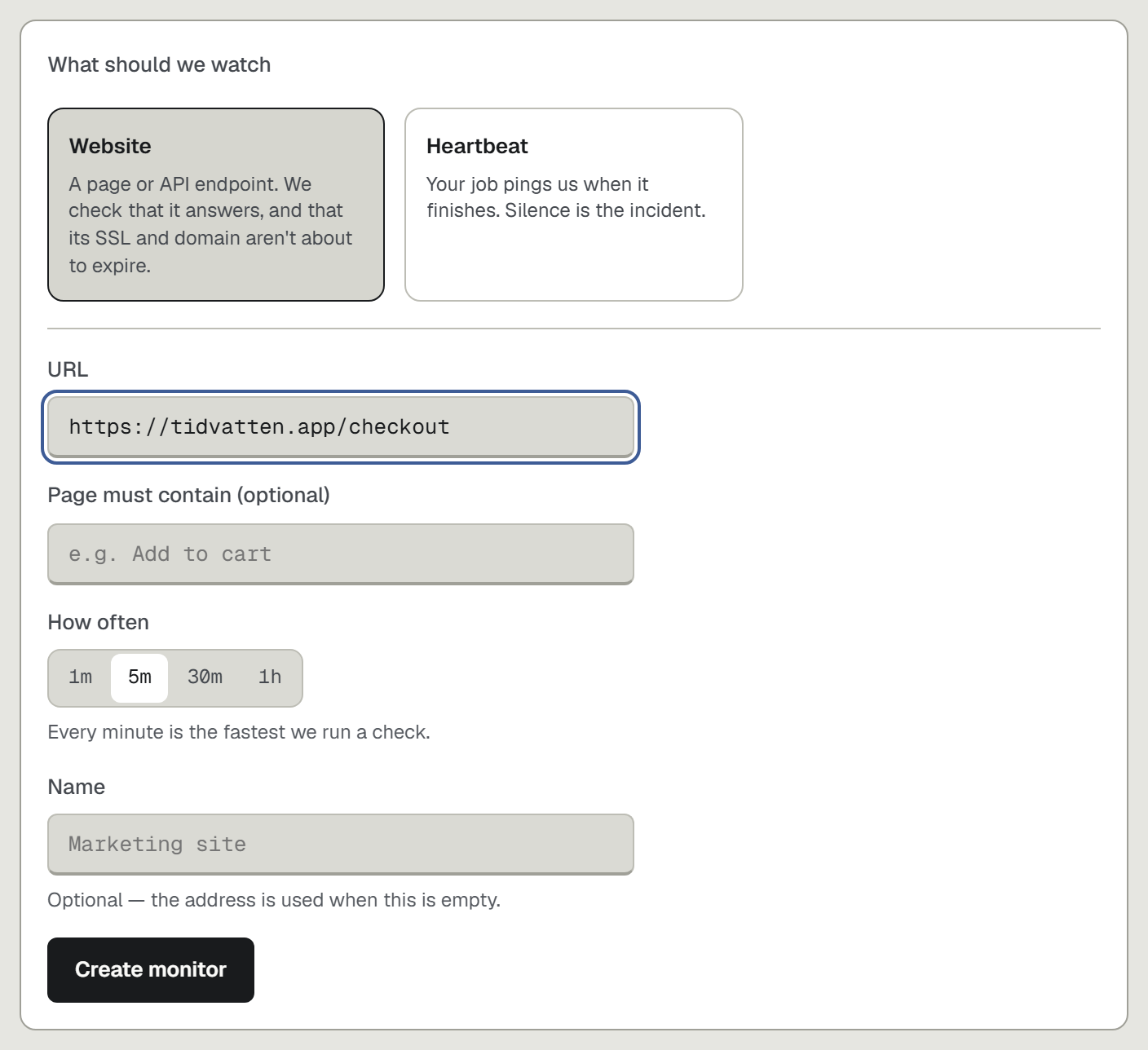
- Add a website check for the URL customers depend on. SSL and domain expiry are watched as part of it, nothing extra to configure.
- Pick where the alert goes: Telegram, Slack, Discord or email. A certificate alert arriving weeks early is the one alert everyone is glad to see.
- Run
npx upcontrolin your repo if you also want the log lines and the deploys beside the incident, so the "why" is on the page when the date comes due.
[Check your certificate now](https://upcontrol.io/?utm_source=blog&utm_medium=vs&utm_campaign=engine).