Uptime monitoring with Telegram alerts: what the channel owes you, and where we fall short
4 min read · published 2026-10-17
What a Telegram alert owes you
If your team lives in Telegram, an uptime tool that escalates by SMS first is paging a phone nobody answers. This post is what Telegram alerting does on UpControl, what each plan carries, and where other tools do it better. It is written by the people who built it, so the losses are named as plainly as the wins.
A message that says "site down" is the floor. Before you wire any tool to your group, check it against this list:
- The reason, not the fact. "Checkout returning 502" tells you what to open; "site down" tells you to open everything.
- A follow-up that says which state it is in now: recovered, or still down and when you will hear again.
- Silence for a block the tool caused itself. A probe behind a bot-protection wall getting 403 is not an outage, and an alert for it is a false page.
- Coverage of jobs that never speak. A cron that dies silently needs a heartbeat: a URL it pings when it finishes, and an alert when the ping stops arriving.
- Alerts on new errors in your logs, which can arrive before any check fails.
What the alerts carry, plan by plan
From the product sheet, as of 2026-10:
| Alerting on UpControl | As of 2026-10 |
|---|---|
| Channels | Telegram, Slack, Discord and email on every plan |
| Slack, Discord, email recipients | Unlimited on every plan |
| Telegram destinations | 3 on Free, 10 on Indie, 20 on Growth, 30 on Agency; a destination is a linked person, a group or a channel |
| Telegram groups and channels | Paid plans; the free plan reaches people |
| Follow-up on an open incident | Every 15 minutes, recovered or still down, on paid plans |
| Heartbeats | Free on every plan, never counted toward the check limit |
| New log errors | Alerted on every plan |
| Incident title | Carries the cause, like "Checkout returning 502" or "DNS error" |
| A blocked probe (401, 403, 429) | Recorded as "couldn't measure", never as an outage |
Where UpControl is better
- The alert arrives with the why. Checks, logs, product events and deploys correlate, so the incident page carries the log lines around the failure and the deploy that preceded it, instead of a timestamp alone.
- No false pages for bot walls. A probe that receives 401, 403 or 429 from a firewall or bot protection is recorded as "couldn't measure", so your Telegram group stays quiet for blocks the tool caused itself.
- Heartbeats are free and never count. Every scheduled job can have its own canary on the free plan, and a missed ping opens an incident on its own.
- No seat tax. Teammates who can change settings are free on every plan, and Slack, Discord and email recipients are unlimited.
- New errors in your logs raise an alert on every plan, so a rising error rate reaches Telegram before a check fails.
Where other tools win
- No phone calls, no SMS escalation and no on-call rotations on any plan here. If your escalation path needs a phone call at 3 a.m., this product does not have it.
- Telegram groups and channels are paid on UpControl. Uptime Kuma, self-hosted and free, sends Telegram notifications into any group you own.
- The free plan carries 3 Telegram destinations. Older incumbents with huge free tiers, UptimeRobot among them, deliver Telegram notifications on their free plans too.
- UpControl is younger than the decade-old incumbents, so it has fewer integrations and a shorter track record.
Set up Telegram alerts in five minutes
- Open upcontrol.io and type your domain. A public status page for it exists from that moment, free, claimable by you, with no account.
- Add your checks: up to 3 on the free plan, checked every 5 minutes, with SSL certificate and domain expiry watched as part of each one.
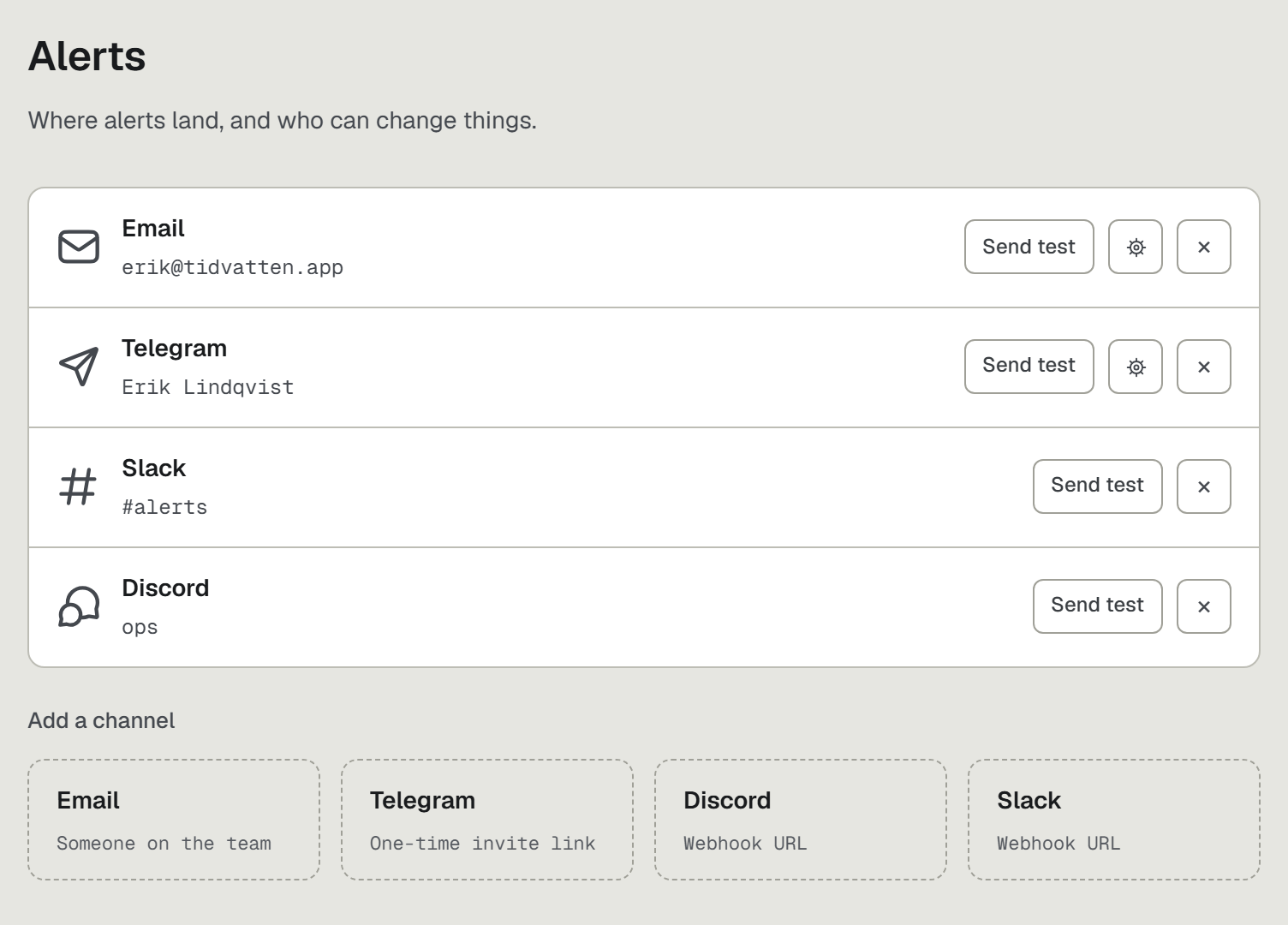
- In Alerts choose Telegram and connect it, then send yourself a test alert to confirm the group receives it.
- Add a heartbeat for each scheduled job: a URL the job pings when it finishes, free, never counted.
- Run
npx upcontrolin the repo when you want the log lines and the deploys beside the checks, so the alert opens a page that explains itself.
The free plan is a plan, not a trial: https://upcontrol.io/?utm_source=blog&utm_medium=vs&utm_campaign=engine