Domain expiration monitoring: get warned before the site goes dark
4 min read · published 2026-10-17
What a lapsed domain actually costs
The domain is the one dependency that takes everything down with it. Expired SSL certificates give you a warning screen; an expired domain gives browsers an error that says the site does not exist. If email runs on the same domain, that dies in the same minute, including the mailbox the registrar sends its renewal notices to.
The failure also looks like something else on a dashboard. A monitor watching https://yourproduct.com reports a DNS error, and a DNS error is what you see whether the domain expired, the DNS provider broke, or someone changed the nameservers. Knowing which one happened is the difference between opening the registrar panel and opening a support ticket, and at 3 a.m. you want the first.
A registrar does warn you. Renewal notices start weeks out and go to the registrant mailbox on file, which is often one person's old address at a company that restructured two years ago. That is the gap monitoring covers: the warning should arrive where the team already reads alerts, on a schedule nobody had to keep alive.
What to watch
If you are setting this up, for any tool, the useful checks are:
- The expiry date of the domain itself, read from the registry, with a warning that fires early enough to renew calmly and not at the deadline
- SSL certificate expiry per hostname, which fails separately from the domain and on its own calendar
- DNS resolution, so a nameserver change or a registrar outage is named for what it is
- Alerts that reach a channel the team reads, Telegram, Slack, Discord or email, not a dashboard nobody opens
- A record of when the warning fired, so a we never got told argument has an answer
How it works in UpControl
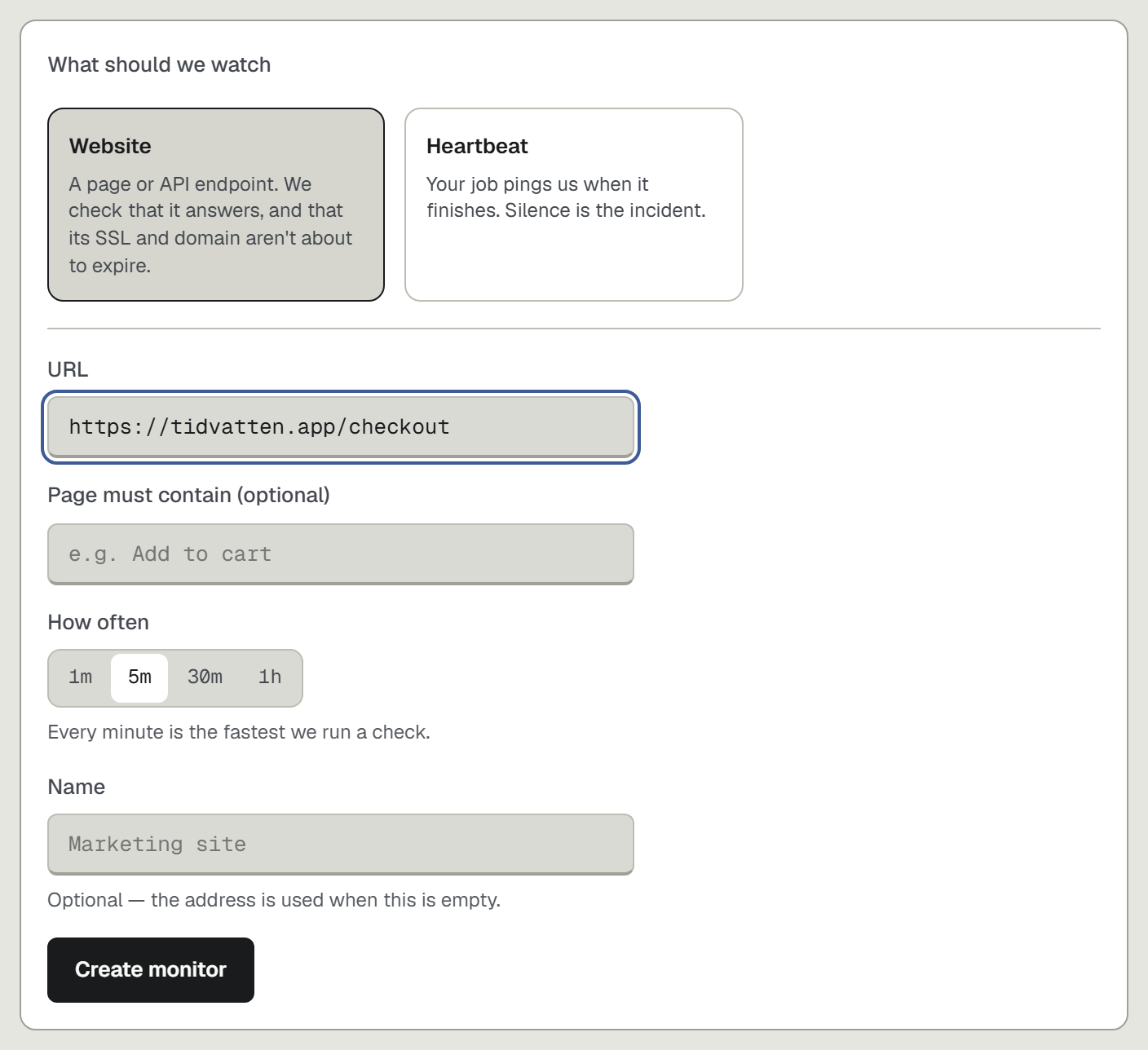
Domain expiry is part of every website check, on every plan including the free one. It is not a second product with its own price line: you add a check for https://yourproduct.com, and the check carries the SSL certificate and the domain expiry with it. The free plan holds 3 website checks at a 5-minute cadence, counted across the workspace; paid plans start at $11 a month as of 2026-10 and check every minute.
When a check fails, the incident is titled with the cause, DNS error among them, and alerts go out on the channels you connected. The status page publishes the same fact to customers, so if the domain ever does lapse, the page you can point people to exists on a host that still resolves, upcontrol.io/status/yourhost, because it is not on the domain that died. That detail is worth a sentence of thought before anything goes wrong: a status page hosted on the watched domain tells nobody anything at the exact moment it needs to.
Where registrars and dedicated watchers win
The honest list, because a monitoring product that claims to beat the registrar at renewals is lying to you:
- Your registrar already tracks the expiry date and bills the renewal. Its notices are free and authoritative; ours are a second, louder path.
- A registrar can take the renewal itself. We cannot and do not want to: UpControl watches, it does not hold your billing or your domain settings.
- Dedicated certificate watchers probe from several independent networks. Our fleet checks from its regions, and we do not advertise a multi-city synthetic network; if a lookup fails from everywhere, we say so plainly.
- UpControl is a younger product with fewer integrations than the decade-old incumbents, and no plan carries on-call rotations or phone escalation.
Set up domain watching in five minutes
- Open upcontrol.io and type your product domain. A public status page for it exists from that moment, free, claimable by you, with no account.
- Add website checks for the hostnames customers depend on. SSL certificate and domain expiry come with each one; there is nothing extra to configure.
- Connect alerts: Telegram, Slack, Discord or email, each with a test button, so the warning lands where the team reads.
- Optional: run npx upcontrol in the repo and the log lines and deploys sit beside the checks, and the incident page carries the reason and the minute it started, in that order.
If the domain is your whole product, watch it from outside the domain: start on the landing page.